01 / DRAW
32 px
A LITTLE ROOM TO GROWStart tiny. Build enormous.
Sketch a sprite, map out a world, or choose an expandable canvas and add space as your idea grows.
16 px2048 px
Every pixel deserves a page.
Draw crisp pixel art, build frame-by-frame animation, export it your way, and publish your Artwork on a page made to show it off.

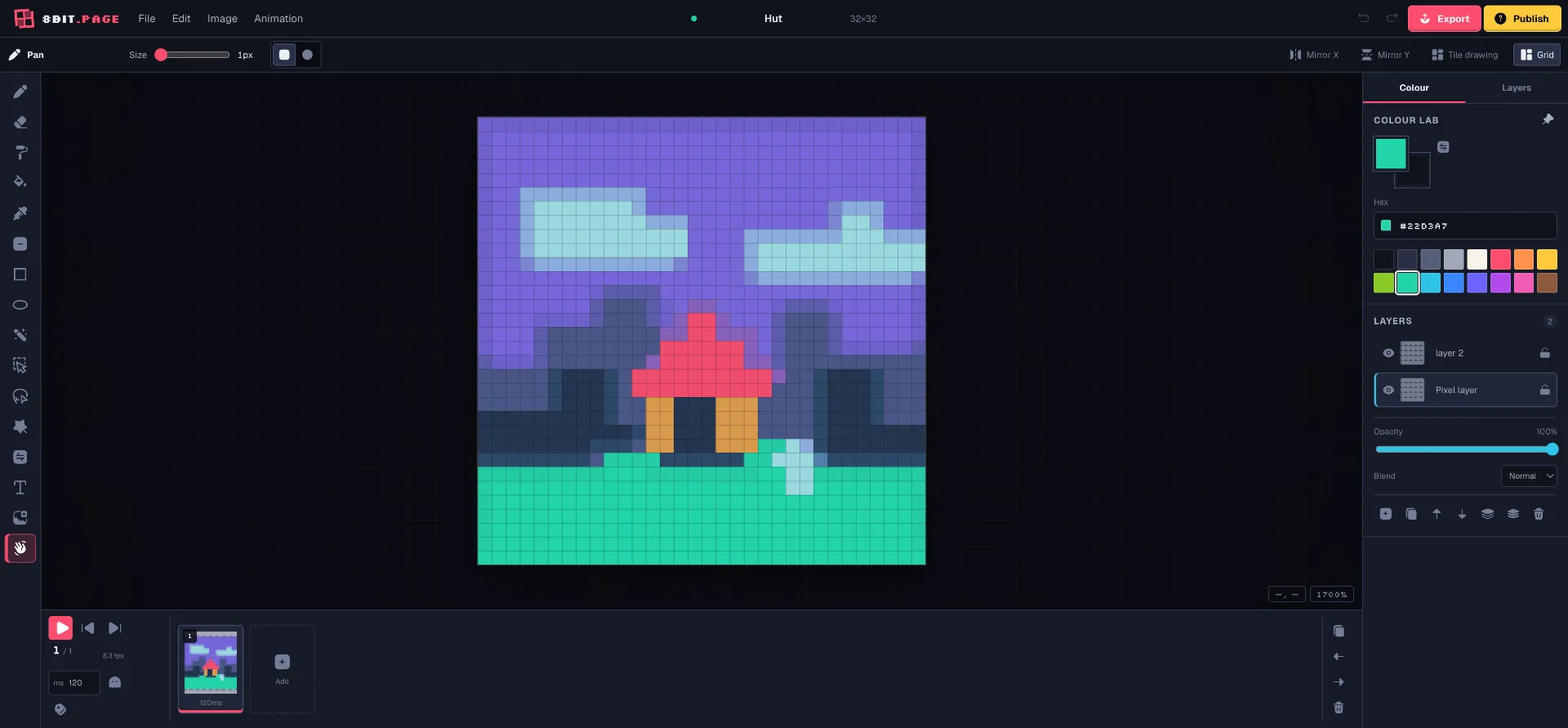
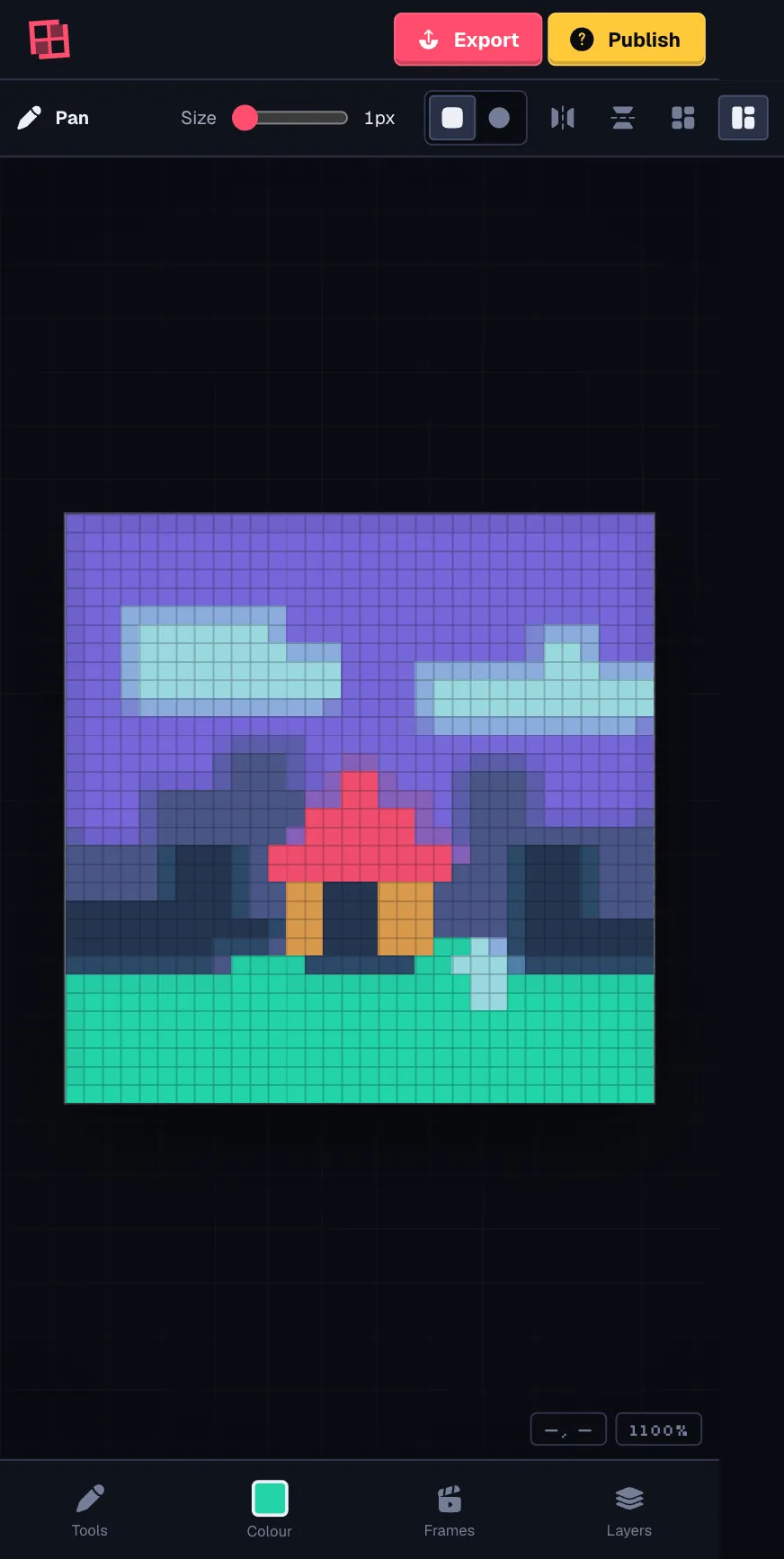
A quick doodle or a whole tiny universe.
The tools are here. Where you take them
is up to you.
Sketch a sprite, map out a world, or choose an expandable canvas and add space as your idea grows.
Make it sway, walk, wave, or wobble. Build your loop frame by frame, then bring it to life.
Give your finished Artwork a home of its own. Add its story, choose public or link-only sharing, and send it out.
Pencil, shapes, selections, symmetry, and shortcuts.
Reorder, lock, blend, and keep all the details in place.
Your palettes, a handy eyedropper, and pixel-perfect control.
Import a photo, tune the detail, then make it your own.
Pack your pixels for anywhere. Stills, loops, sprite sheets, and video.

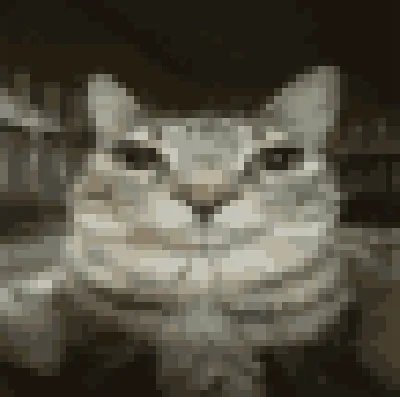
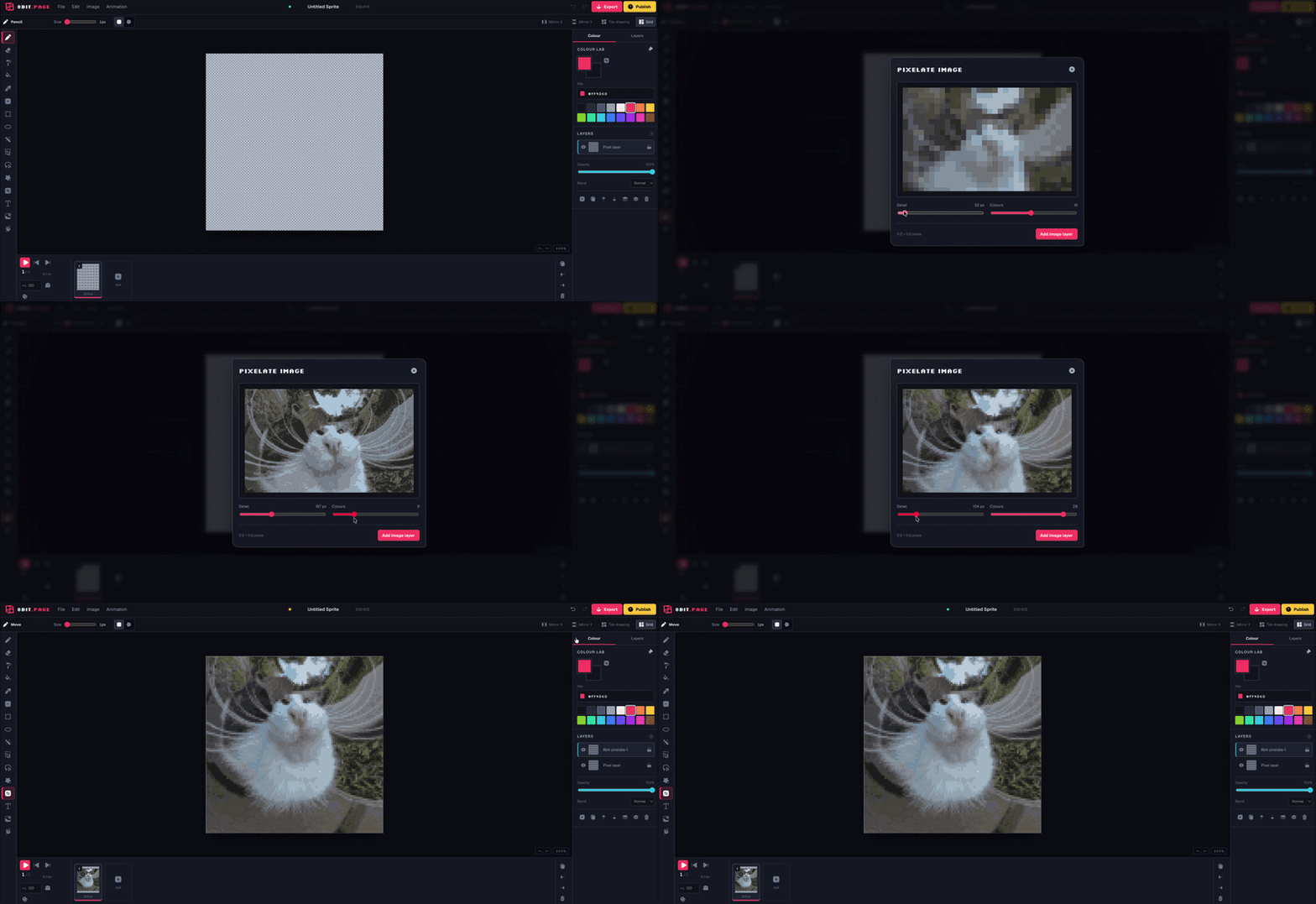
Drop in an image, tune the detail and color count, then add the pixelated result to your canvas as a new layer.
Try the image to pixel art converterMake it feel like yours
Follow your device, choose a workshop palette, or mix a look of your own. Your choice stays on this device.
Better with a few friends
Pass the pixels around. Start a private session, invite your friends, and make something you couldn’t have made on your own.
The owner signs in. Guests don’t need an account.
Available for eligible fixed-canvas Projects.
A blank canvas is only one place to begin.
Create pixel art, animate, and export without paying.
No account needed to start.
Your editable Projects autosave in this browser, on this device. Start drawing without creating an account.
How saving worksSign in and opt individual Projects into 8bit Cloud for editable work across devices and recent version recovery.
Meet 8bit CloudYour artwork belongs to you. Keep it, export it, or give it a page. 8bit.page does not use it to train AI models.
Our promise to creatorsSaving, exporting, and publishing are different. Cloud keeps an editable Project. Export downloads a finished file. Publish creates an Artwork page—not an editable backup. Download a .8bit Project to keep a portable copy.
Yes. You can create pixel art, animate, and export without paying. The editor runs in your browser, so there is nothing to install.
Not to start drawing or save local Projects. Sign in to publish Artwork, use optional 8bit Cloud sync, or host a private collaboration session. Invited collaborators can join without an account.
By default, editable Projects autosave in this browser on this device. Clearing browser data can remove local-only work. Save an editable .8bit file for a portable copy, or enable Cloud sync for a Project after signing in.
Yes. The editor has a mobile layout with a dock for tools, colors, frames, and layers. A larger screen gives you more room for detailed work.
Still images, animation loops, PNG sprite sheets with JSON metadata, and video. Formats include PNG, SVG, GIF, APNG, WebP, WebM, and MP4. Availability depends on the canvas mode and export type; animated exports use fixed-canvas Projects.
Not by default. Publish shares the rendered Artwork. You can choose to include an editable .8bit snapshot, but this is optional and separate from Cloud sync. Choose a public or link-only Artwork page. Anyone with a private link can view it—it is not password protected.